When my father started taking longer walks around his neighbourhood, I found myself worrying about him getting lost. Many families in Montreal feel the same mix of pride and concern as their parents grow older and want to stay independent. A GPS tracker can be a practical way to keep an eye on a loved one without taking away their freedom.
The advice below comes from what I have seen work with relatives and from the common features found across the devices people tend to compare. Each choice involves some compromises, so I have kept the focus on daily life rather than technical detail. I have also written this the way I would explain it to a friend at the kitchen table, because most of these decisions get made in ordinary family kitchens.
Why Montreal Families Are Looking at GPS Trackers for Seniors
Montreal has changing seasons, busy metro lines and neighbourhoods full of small streets. For many older adults, those details make daily life interesting and full of things to see. They can also make it easy to get turned around, especially when someone has memory changes or simply wants to explore on foot. Families often start looking at trackers after a short scare, like a missed phone call or a neighbour saying a parent was wandering.
In my experience, the first step is talking with the senior about what kind of support feels acceptable to them. Some people are happy to carry a small tracker in a pocket or bag. Others prefer a wearable that looks like a watch. A tracker only helps when the person wears it every day, so comfort and habit matter as much as the features on the box. I always suggest starting that conversation before anyone buys anything.
If you are just getting started, the Cult MTL guide on this topic is a helpful place to begin. The page describes itself as a clear overview for Montreal families who want to understand the subject before comparing options. It is worth a look if you prefer a structured approach.
Choosing the Right Type of GPS Tracker for Your Parent
Tracking devices come in a few common forms. Each one suits a different lifestyle, and the right choice depends on how your parent spends the day. Some devices work mainly through a cellular network, while others rely on a Bluetooth connection to a phone nearby. I have found that knowing the difference helps families set realistic expectations before they spend any money.
Wearable Pendants and Watches
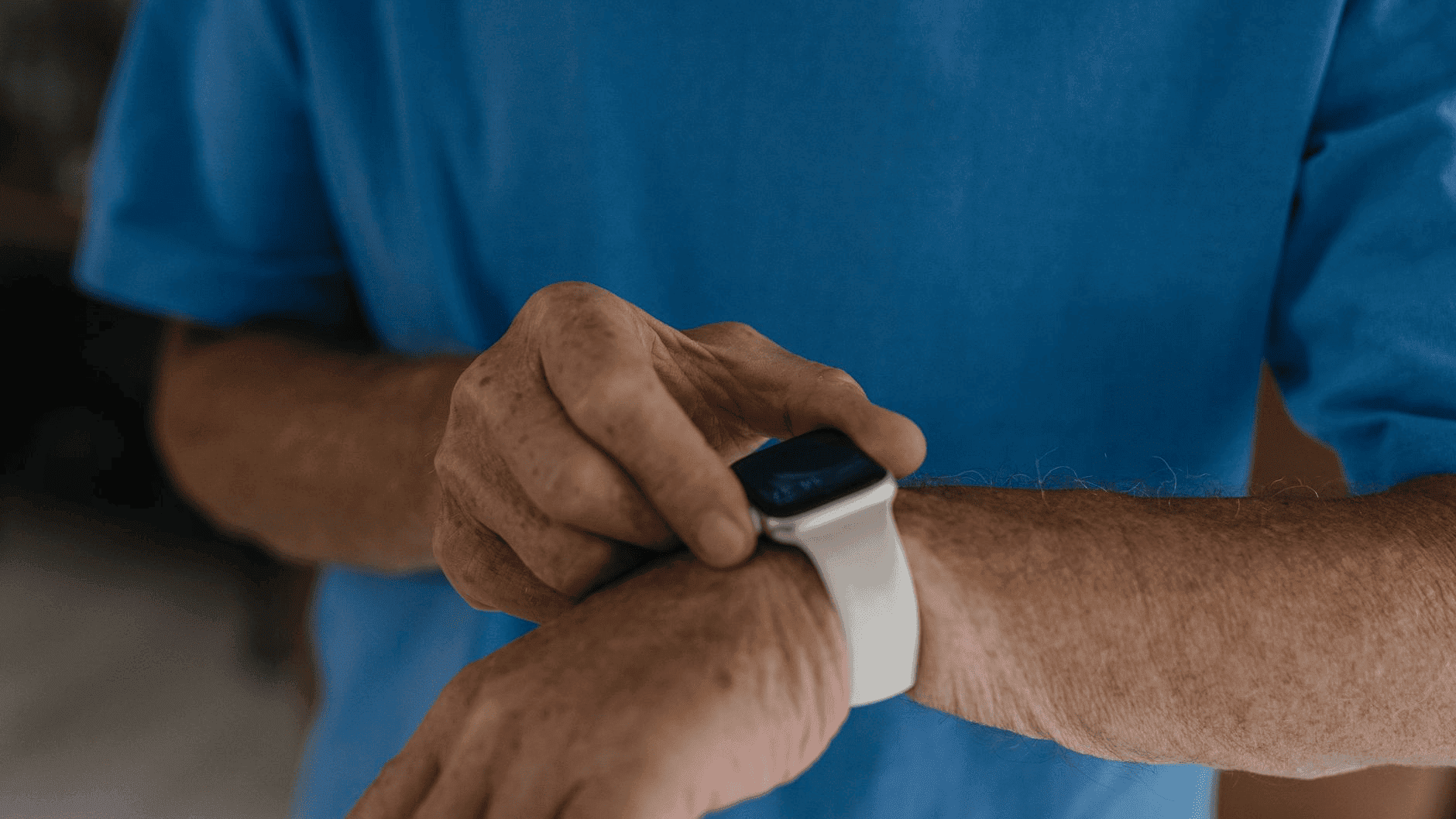
Wearables are often the easiest option for seniors who want something simple. A pendant can hang from a necklace, and a watch can sit on the wrist like any other accessory. Many models include a button that calls a family member or a monitoring service. Because the device stays on the body, it tends to be more reliable than something left on a kitchen counter.
The downside is comfort. Some people find a pendant bulky or a watch uncomfortable to wear overnight. Before you buy, ask your parent to try the device on for a few days. In my view, small adjustments in fit can make a big difference in whether it gets worn at all.
Clip-On and Pocket Trackers
Smaller trackers can clip onto a belt or slip into a coat pocket. They suit people who already carry a wallet or keys every day. Look for a device with a battery that lasts through a full day of outings, and check how easily it charges. A tracker that dies by mid afternoon will not offer much peace of mind. I would start with the option that fits the clothes and bags your parent already uses, since that is the one most likely to stay on them.
Features Worth Comparing Before You Buy
Once you know the type of device, the next step is comparing features. Many trackers look alike on a store shelf, but the details can change how useful they feel at home. I suggest writing down the features that matter for your family before you look at specific models.
- Location updates and how often they refresh
- Geofence alerts that notify you when a person leaves a set area
- Battery life under normal daily use
- Two-way voice calling or an emergency button
- Water resistance for rainy days and winter slush
- Bilingual support in French and English
Geofence alerts are often the feature families use most. You can set a safe zone around a home or a favourite park, then receive a message when your parent moves beyond it. Test the alert before you rely on it. I like to walk the boundary myself and confirm that the notification arrives in a reasonable time.
Subscription costs also deserve attention. Some devices have a monthly plan for location data, while others charge a setup fee. Add up the cost for the first year, including the box price and any monthly fees. Clear pricing makes it easier to compare options, so I favour devices with straightforward terms.
Balancing Safety, Privacy and Independence
A tracker should feel like support for your parent. Many seniors value their privacy, and they may feel embarrassed if they believe they are being watched. This is why I always recommend a conversation before any device goes on the body. Explain the reasons clearly and listen to what your parent says.
Agree on when location sharing will be used. For example, a family may decide to check locations only when a parent has not returned home at an expected time. Writing this down helps everyone feel respected. It also prevents misunderstandings later, and it is a habit I would keep even after the device is working well.
Setting Shared Rules
Shared rules can cover who has access to the app, how often you check the map and what happens during an alert. Keep the list short. A few clear agreements are easier to follow than a long document nobody reads. Talk through how each person feels about being checked on, since comfort can change over time.
Also consider who will receive alerts. I recommend choosing at least two family members so that someone can respond if another person is busy or away. We find that a plan everyone understands is the one that holds up on a stressful day, so review the names on the list together.
Practical Tips for Montreal Winters and City Life
Montreal winters bring snow, ice and short daylight hours. A tracker that works well in July may struggle in January if the battery drains faster in the cold. I recommend charging the device on a regular schedule and keeping a spare charger at home. Cold weather can also affect how often a device sends updates, so I would test it during a winter walk before relying on it.
City transit is another factor. Underground stations and dense buildings can block some signals, which may delay location updates. Knowing those limits helps you choose the best moment to check the device, especially when your parent is heading underground. I also find it useful to ask your parent which stations they use most, so you know where updates tend to slow down.
Tips for Everyday Use
- Charge the device at the same time each evening
- Keep a printed card at home with the device name and your phone number
- Review alert settings every few months
- Replace worn straps or clips before they break
When I set up devices for relatives, a simple checklist kept things running smoothly. Families who review their setup regularly tend to catch problems early. I would write the checklist on paper and keep it near the charger, so everyone can check it without opening the app.
Making a Confident Choice for Your Family
GPS trackers for seniors can offer real peace of mind when they fit a person’s daily routine and feelings about privacy. The best choice is usually the device your parent will wear every day without frustration. Start with a conversation, decide which alerts matter most and compare the type of tracker and its monthly costs.
Montreal families have plenty of options, and the right fit depends on city life, winter weather and personal needs. Take time to review the Montreal guide I mentioned earlier. Reading a clear overview before you shop can save time and help you focus on the details that matter most.
My advice is to make a short list of three devices, test each one with your parent for a week if possible and choose the one that feels easiest to live with. Then set up shared rules and schedule a monthly check. Your parent’s comfort should lead the decision, and your family’s priorities should guide the rest. Start this week by talking with your parent and writing down what safety and independence look like for you both. A plan made together is far easier to keep than one made in a hurry.